

Calculated, not guessed.
DiscordFit measures your file, works out resolution and bitrate for the chosen limit, and keeps as much quality as possible.
-
Drop a file
Drag it in or pick it. Video or image, up to 3 at once.
-
Shrink automatically
Resolution and bitrate are calculated for the limit, not guessed with a slider.
-
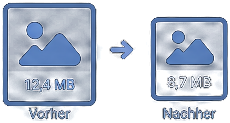
Safely under the limit
The result is guaranteed to stay under the chosen Discord limit.
-

Quality stays
As much bitrate as the budget allows. No needless loss.

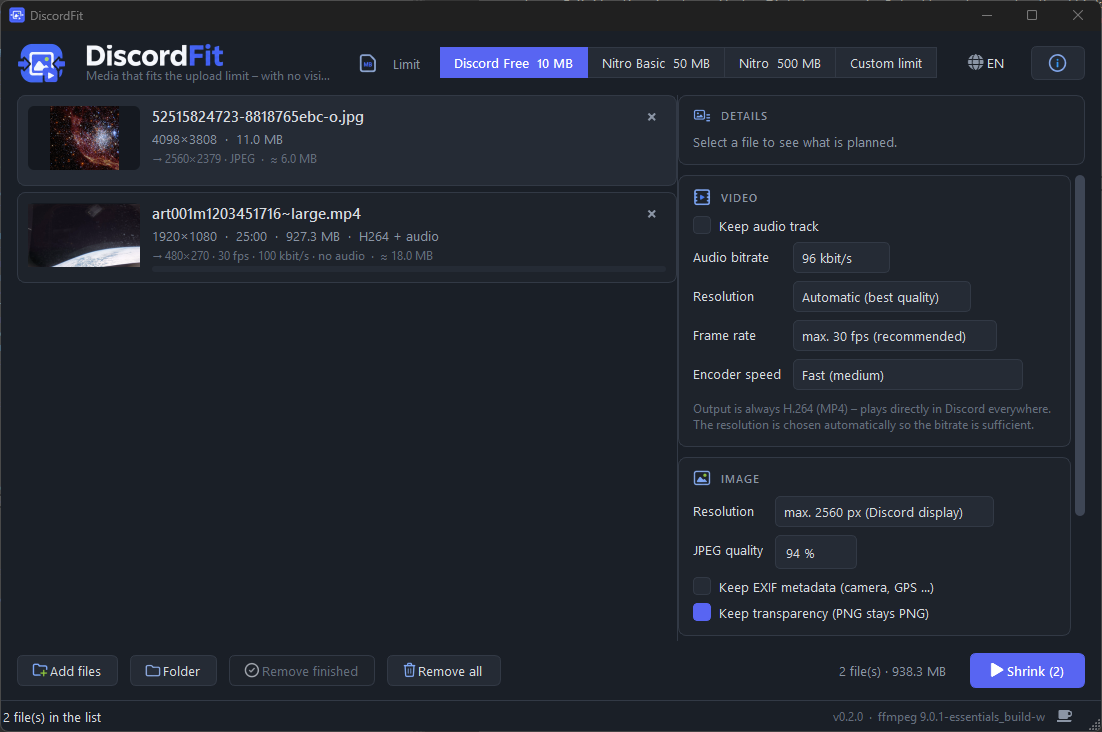
The same as a Windows app.
For everyone who prepares media for Discord regularly: several files at once, drag finished results straight into Discord, no upload, no waiting.
- Runs entirely on your PC – nothing leaves it.
- Remembers your limit and settings.
- Free and no installer: unzip, run.
The Windows version is almost ready – until then, use the web tool above.
Your files stay yours.
DiscordFit is made by one person for a Discord community – not to collect anything about you.
- Files are deleted, not kept The original is gone the moment it is processed, the result the moment you download it – at the latest after 15 minutes.
- Nobody looks inside No content analysis, no thumbnails kept, no file names stored. The conversion happens and is forgotten.
- No account, no tracking No sign-up, no advertising, no third-party trackers, no cookies except the one remembering your language.
- Visitors counted, not identified To know whether anyone uses this, page views are counted with a hash that changes daily. IP addresses are never stored.
- Nothing is sold There is no data to sell, and there never will be. The project lives on donations.
- Or skip the upload entirely The Windows app does the same work on your own computer – nothing leaves it.